10 Best Free GTM Tools for Indie Developers in 2026 | Tomako
Blog content updates automatically
10 Best Free GTM Tools for Indie Developers in 2026
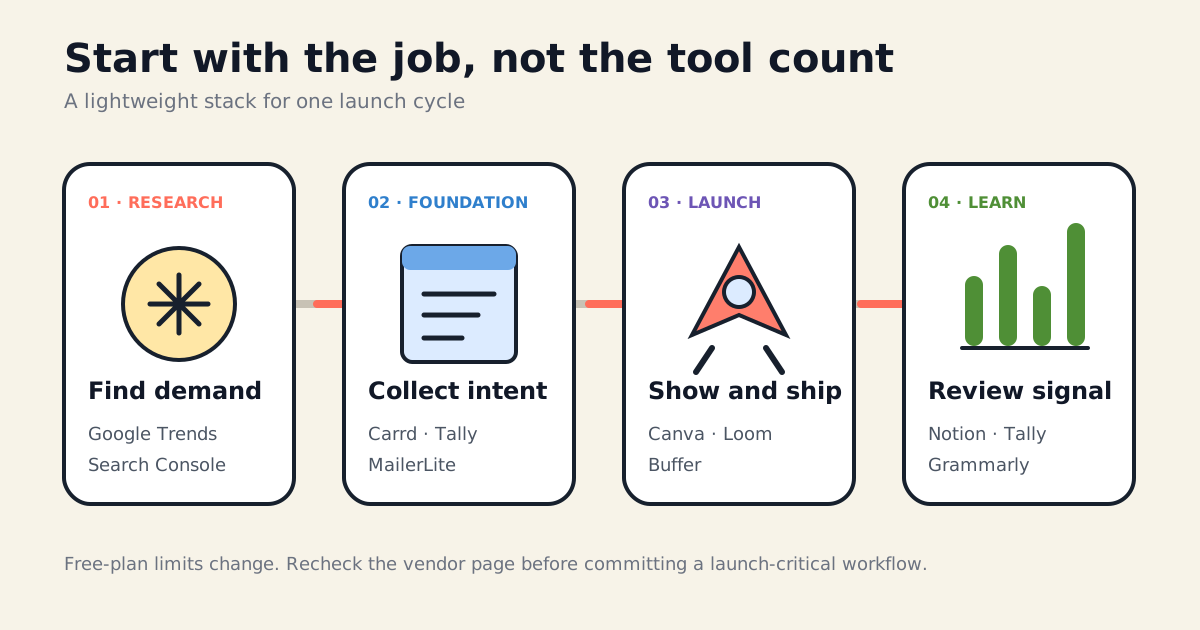
A useful free stack is not ten apps opened at once. It is the smallest set of tools that helps you test demand, collect intent, ship a launch, and learn what happened.
Free GTM tools are useful only when they remove a real constraint. Adding ten free apps can still cost you a week in setup, duplicate data, and broken handoffs.
This list is organized around four jobs:
Research — understand demand and search visibility.
Foundation — publish a page and collect intent.
Launch — create, schedule, and demonstrate.
Learning — capture feedback and decide what changes next.
Quick comparison
Tool
Best GTM job
Useful free allowance
READY WHEN YOU ARE
YOUR PRODUCT.
READY TO MOVE.
Bring your product context into Tomako, then turn a guide, an idea, or a decision into work you can continue.
Free Google Search performance and indexing reports
Some queries are omitted; reporting is delayed
Carrd
One-page launch site
Free Basic sites on a Carrd subdomain
Custom domain and native forms require Pro Standard
Canva
Launch graphics
Free editor, templates, stock assets, and limited AI use
Many assets and brand controls are paid
Buffer
Social scheduling
3 channels; 10 scheduled posts per channel
One user and limited queue depth
MailerLite
Waitlist email
250 active subscribers; 2,500 emails/month
3 active automations; sending can pause at limits
Tally
Forms and feedback
Unlimited forms and submissions under fair use
Branding/custom domains/team controls are paid
Google Trends
Directional demand
Free relative search-interest data
Not absolute search volume
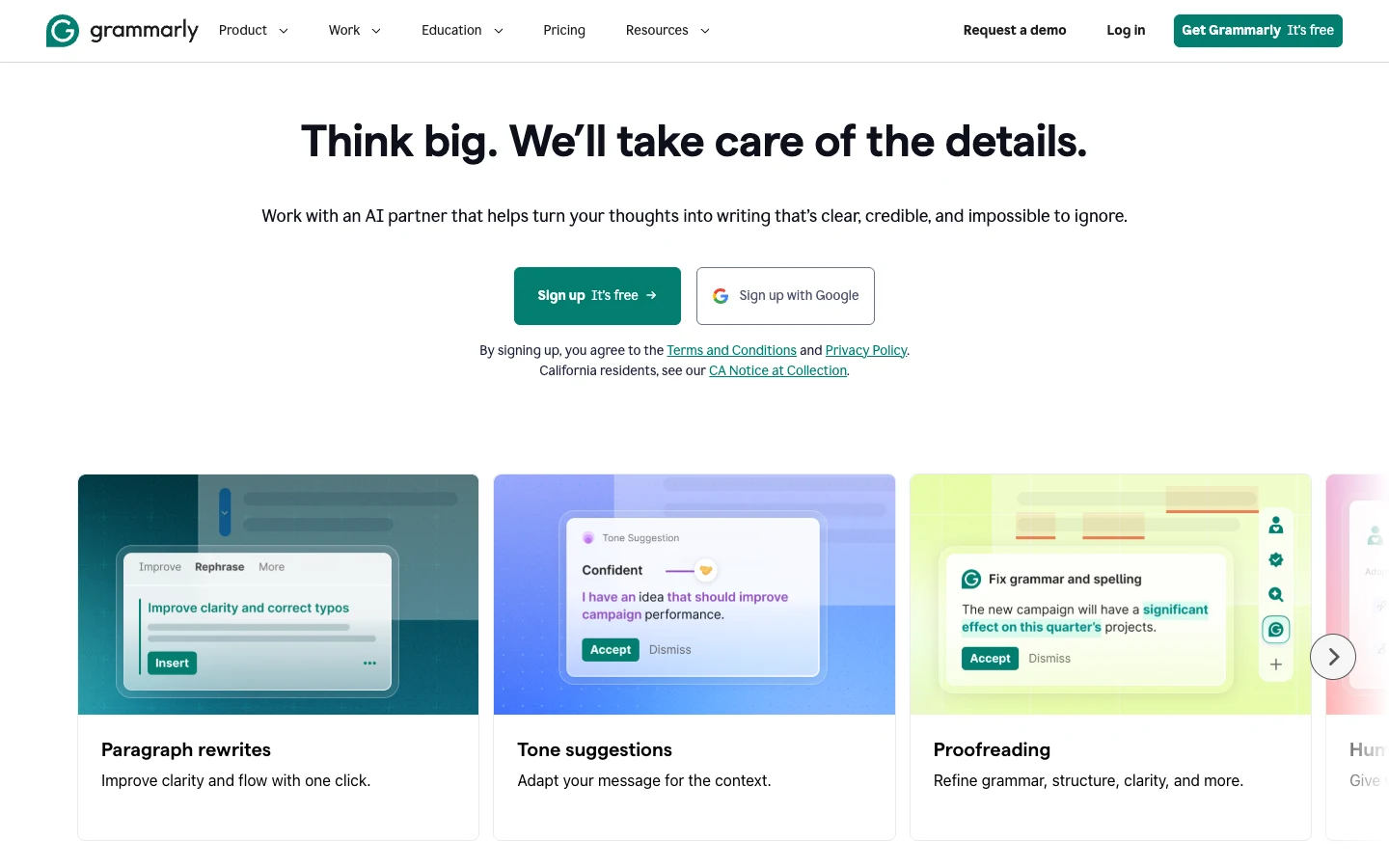
Grammarly
English copy QA
Grammar, spelling, tone, and 100 AI prompts/month
Advanced rewrites and checks are paid
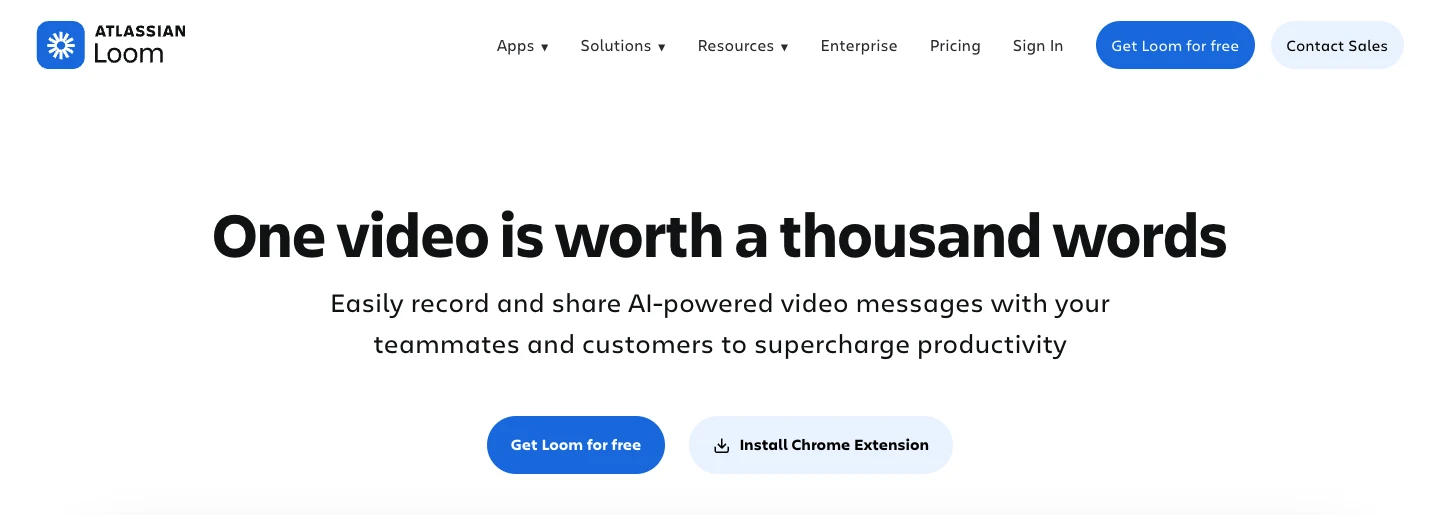
Loom
Product demo
25 videos/person; 5 minutes per screen recording
720p and limited editing on Starter
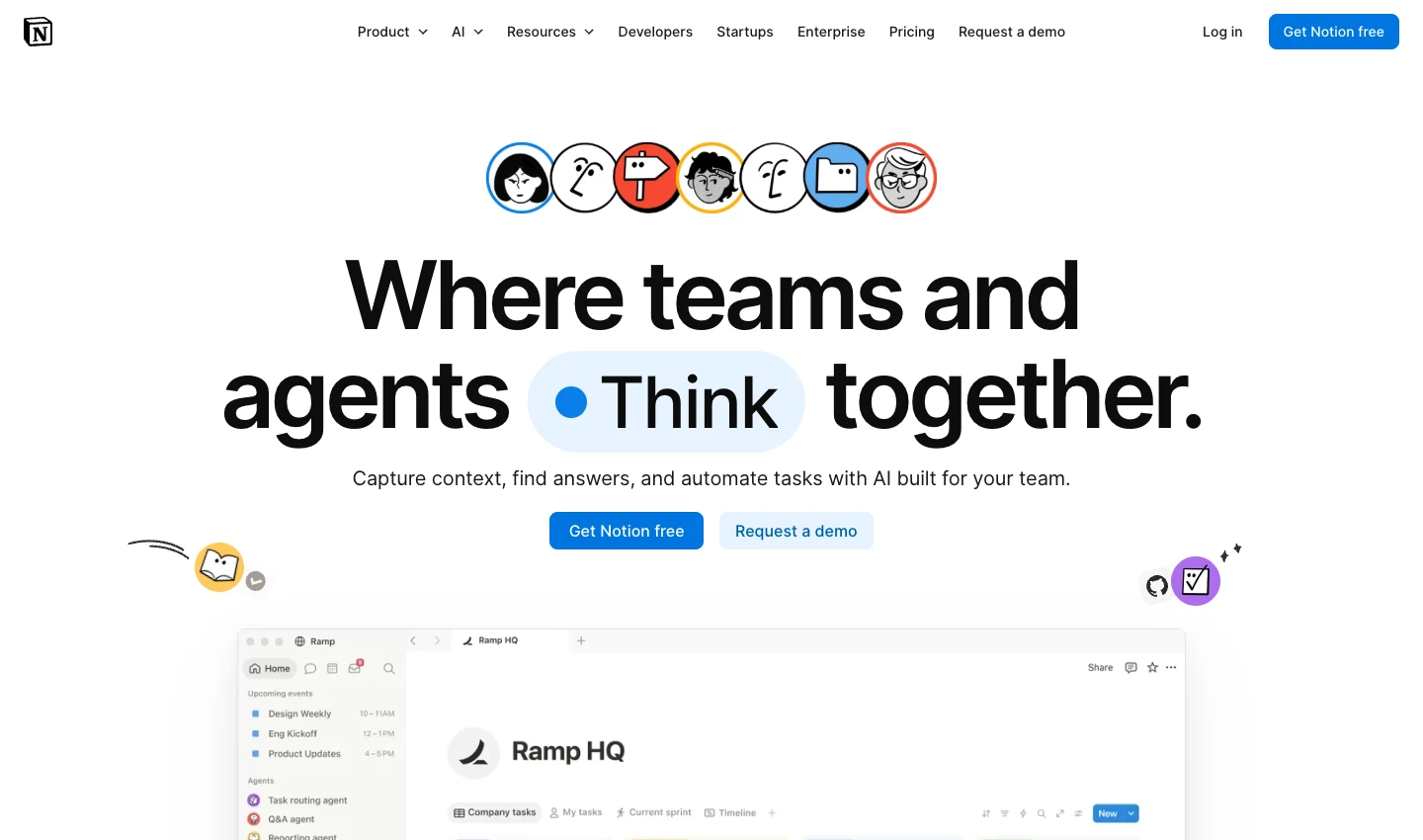
Notion
Launch planning
Free personal workspace and core pages/databases
5 MB/file; 7-day history; AI is a trial
1. Google Search Console
Best for: verifying that Google can discover your site and learning which queries already produce impressions or clicks.
Use Search Console to submit a sitemap, inspect individual URLs, review indexing issues, monitor Core Web Vitals, and see first-party search performance. It is essential evidence, but it is not a real-time rank tracker.
Google says a newly added site can take up to a week to show data, normal performance data may appear after two to three days, and some queries are omitted or truncated. A sitemap also does not guarantee crawling or indexing.
Start here when: your product has a public website.
Boundary: it tells you what happened in Google Search; it does not research competitors or create a search strategy for you.
Best for: getting a focused one-page launch or waitlist site online quickly.
Carrd's free Basic experience works when a Carrd subdomain and simple page are enough. The common mistake is assuming the $9/year Pro Lite plan includes custom domains and forms. It does not.
Carrd's official plan documentation lists:
Pro Lite: $9/year, three sites, premium URLs, no Carrd branding.
Pro Standard: $19/year, custom domains, forms, embeds, analytics, and custom meta tags.
Start here when: you need a temporary launch page and do not yet need a full blog or documentation system.
Boundary: the free plan is a page builder, not a complete conversion stack. Plan for an external form or a paid Carrd plan if you need native signup handling.
Best for: OG images, social cards, simple launch graphics, and presentation assets.
Canva Free includes a drag-and-drop editor, templates, stock assets, 5 GB of storage, and a basic Brand Kit limited to three colors. AI tools share a limited allowance; consumption varies by tool and task. For a launch, start with one social card and adapt the message to each channel.
Start here when: you need correctly sized launch graphics and do not have a designer.
Boundary: many premium assets, exports, AI allowances, and advanced brand controls require a paid plan. Check an element's license and availability before building a launch kit around it.
Best for: maintaining a small, consistent social publishing queue.
Buffer's current Free plan supports up to three channels, one user, and ten scheduled posts per channel. A slot becomes available again after a post publishes. The plan also includes ideas, basic insights, an AI assistant, and a community inbox.
Start here when: you publish on two or three channels and batching content is more reliable than posting manually every day.
Boundary: ten scheduled posts per channel is a working queue, not a full campaign calendar. Advanced analytics, unlimited scheduling, and team workflows are paid.
Best for: a small waitlist, launch announcements, and a basic welcome automation.
MailerLite Free supports 250 active subscribers and 2,500 emails per month. Both campaign and automation emails count toward the sending allowance.
The plan allows 3 active automations, 3 forms, 1 landing page, and 1 website with up to 5 pages. Exceeding subscriber or sending limits pauses email delivery and automations. Exceeding active-feature limits also restricts editing and activation until you reduce usage or upgrade.
Start here when: your launch list is still small and you want a real email workflow rather than a spreadsheet.
Boundary: 250 active subscribers can be reached quickly. Watch the limit before launch day so a signup spike does not pause sending.
Best for: waitlists, feedback forms, surveys, beta applications, and structured user research.
Tally offers unlimited forms and submissions on the free plan under its fair-use policy. Conditional logic, calculations, payments, file uploads, and several integrations are available without a paid plan.
Free integrations include Zapier, Make, Notion, Airtable, Google Sheets, and webhooks. File uploads are limited to 10 MB per file on Free.
Start here when: the output you need is structured responses rather than email subscribers alone.
Boundary: removing Tally branding, using a custom domain, partial submissions, and team collaboration are paid features.
Best for: comparing directional search interest, seasonality, regions, and related queries.
Trends is useful for questions such as “Is this topic seasonal?” or “Which wording has broader interest in this market?” It should not be used as proof that a market exists or as a substitute for interviews, sales, or absolute keyword-volume data.
Start here when: you are choosing between category terms or deciding when and where to run a test.
Boundary: the values are normalized relative interest, not search volume or purchase intent.
Best for: final English-language QA across emails, landing pages, posts, and support replies.
Grammarly Free checks spelling and grammar, shows writing tone, and includes 100 generative AI prompts per month. It is a useful last pass, particularly for founders writing in a second language.
Start here when: avoidable language errors could reduce trust in otherwise solid launch material.
Boundary: a clean sentence is not necessarily good positioning. Product facts, evidence, differentiation, and claims still need human review.
Best for: short product walkthroughs, beta onboarding, bug reproduction, and personal outreach.
Loom Starter currently allows up to 25 videos per person and five minutes per screen recording, with recording quality up to 720p. Comments, reactions, transcriptions, privacy controls, and viewer insights are included.
Start here when: showing the product is faster and clearer than describing it.
Boundary: five minutes is enough for one use case, not a long course. Keep one video focused on one user result.
Best for: a lightweight launch brief, content calendar, asset inventory, and decision log.
Notion Free offers unlimited pages and blocks for an individual, basic forms and sites, and databases for organizing a launch. Keep the goal, messages, channel tasks, links, and results in one place. Free uploads are limited to 5 MB per file, page history to 7 days, and workspaces with two or more members have block limits. Notion AI access on Free is a trial.
Start here when: important launch decisions are currently spread across chat threads and browser tabs.
Boundary: Notion is flexible enough to become a second job. Start with one launch database and one decision log; do not build an elaborate operating system before you have a repeatable process.
Do not install all ten. Pick the row that matches your bottleneck:
Current situation
Start with
You are still testing demand
Google Trends + Carrd + Tally
The site is live but invisible
Search Console + one useful article + internal links
You have a launch date
Canva + Loom + Buffer
You are collecting a waitlist
Tally or Carrd + MailerLite
You launched but learned nothing
Tally + Search Console + Notion
The strongest free stack is usually three tools plus a weekly review, not ten disconnected dashboards.
Where Tomako fits
Tomako is an AI CMO for software growth. For an indie developer planning a go-to-market launch, its relevance is helping connect product context, marketing decisions, and work to review—not adding another disconnected app to the stack.
Start with the GTM task you need to finish:
Choose a channel: the Customer Acquisition Channel Selector uses your product, audience, time, and budget to suggest channels to test, first actions, and validation signals.
Prepare the launch: the Go-to-Market Checklist helps identify gaps in positioning, channels, assets, and measurement before promotion.
Prepare distribution materials: the public tool library includes App Store screenshot creation, social image adaptation, community-post checks, and campaign URL building. Pick the tool that matches the next deliverable.
The broader AI CMO offering is positioned around understanding your business and preparing reviewable marketing work across content, creators, search, feedback, and competitive intelligence. People retain control over direction, brand judgment, spending, and external approvals.
Free versus paid: Tomako has a public free-tool library and separate paid AI CMO plans; these are different entry points. AI-assisted actions may require sign-in or AI points. Check the individual tool and current plans for access, usage, introductory pricing, and renewal terms. Data Dashboard and Growth Signals are still marked coming soon on the pricing page.
Use the ten tools above for focused jobs. Consider Tomako when your next GTM challenge involves deciding what to do and preparing the work across several of those jobs.
Frequently asked questions
Can I use all ten tools without a paid subscription?
Each has a free plan or free core service at the time of checking. That does not make every feature free: Notion AI is a trial, Canva has limited AI usage, and several tools charge for branding, collaboration, or higher limits. Check the feature you need before building a launch around it.
Which free tool should I upgrade first?
Upgrade the tool whose limit is already blocking a measured workflow. For many launches that is email when the list approaches MailerLite's 250-active-subscriber limit, a custom domain/forms plan for Carrd, or additional Loom recording capacity. Do not upgrade based on a generic ranking.
Can this stack replace HubSpot or Salesforce?
No. It can cover early research, launch, and learning jobs, but it does not provide the same CRM data model, permissions, automation, attribution, and sales operations depth.
Do these tools remove the need for human review?
No. Free software can lower execution cost; it cannot validate a market, guarantee distribution, or make unverified claims safe to publish.
Related tools
Continue with a tool for the next decision or task in your workflow.
Tiny is a co-founder of Tomako, working across the full path from growth strategy to channel execution. His experience spans influencer marketing, affiliate marketing, SEO/GEO, and paid acquisition. As an indie maker and creator, he is especially interested in how small teams can make better growth choices with limited resources. On the Tomako Blog, he writes about channel decisions, practical execution, and lessons from building and growing products.
 Tiny
Tiny