Check that the link is public
If lookup fails, confirm the URL includes /status/, the post is publicly accessible, and the media still exists.
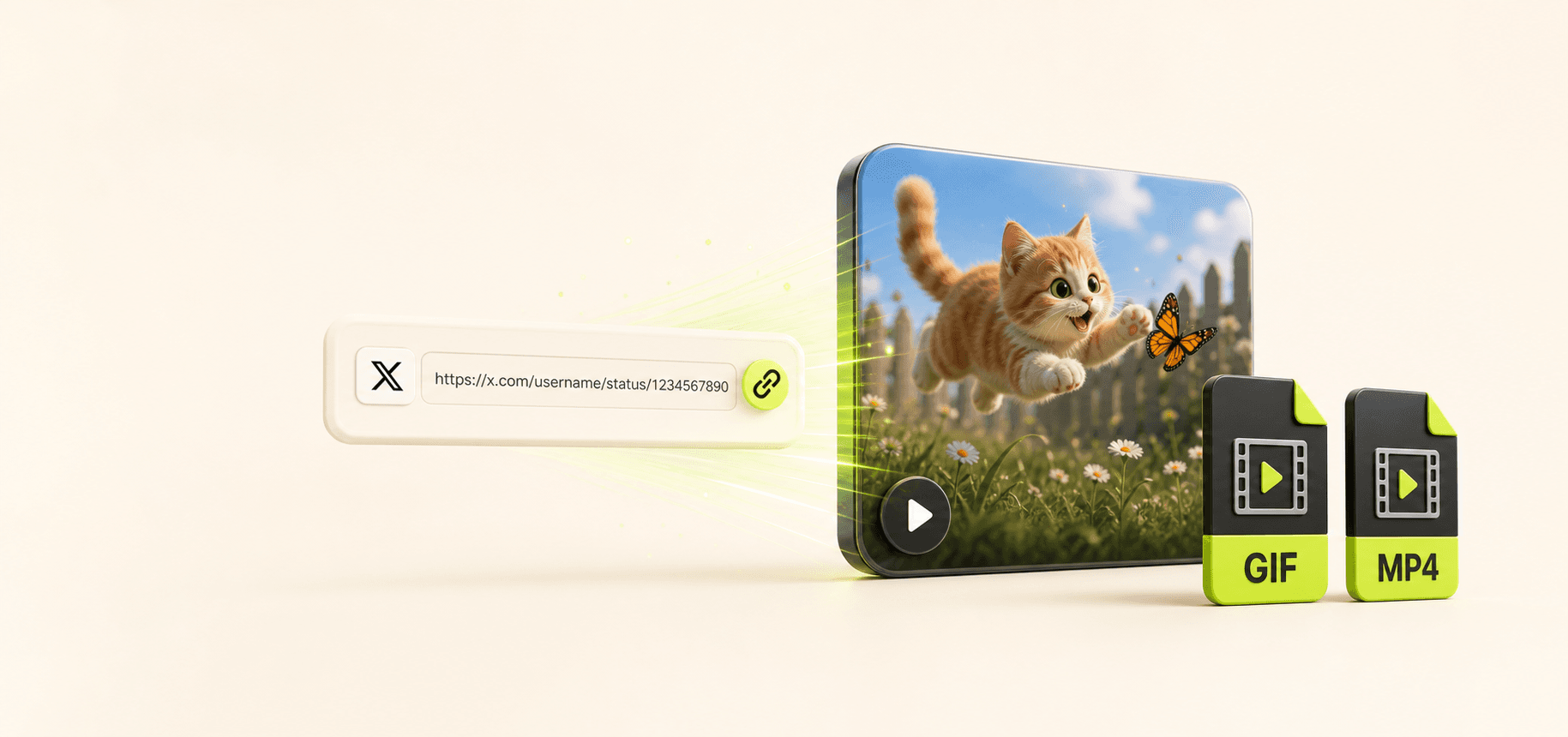
Tool task
Save public animated media from X/Twitter as a reusable GIF file. Paste a post link, convert the media source, and optionally keep the MP4 source.
Input
Public twitter.com or x.com post URL
Output
GIF preview, .gif file, and MP4 source
Boundary
Private, deleted, restricted, or login-only posts usually fail
Enter inputs, review the output, then use the page guidance for the next step.
Paste a public Tweet URL to see lookup progress, a GIF preview, and download actions here.
Paste a public X/Twitter post link and the page looks for convertible media, shows processing status, then returns a GIF preview, a GIF download, and the original MP4 source download when available.
Compared with manually hunting for video URLs, writing a script, or installing a browser extension, Tomako keeps link recognition, media preview, format choice, and download actions in one workbench. You can verify the motion first, then save the GIF or keep the smaller MP4.

When choosing a downloader, look for public Tweet link support, preview-before-download behavior, clear failure messages, and plain rights, privacy, and platform boundaries.
Tomako is better suited to organizing animated media from public posts: it does not ask you to sign in to X/Twitter, it does not require manual media URL hunting, and it does not turn implementation details into user-facing steps.
Use only public post links that you have permission to access and save. Whether you can reuse the downloaded GIF or MP4 depends on the original content rights, platform rules, and your use case.
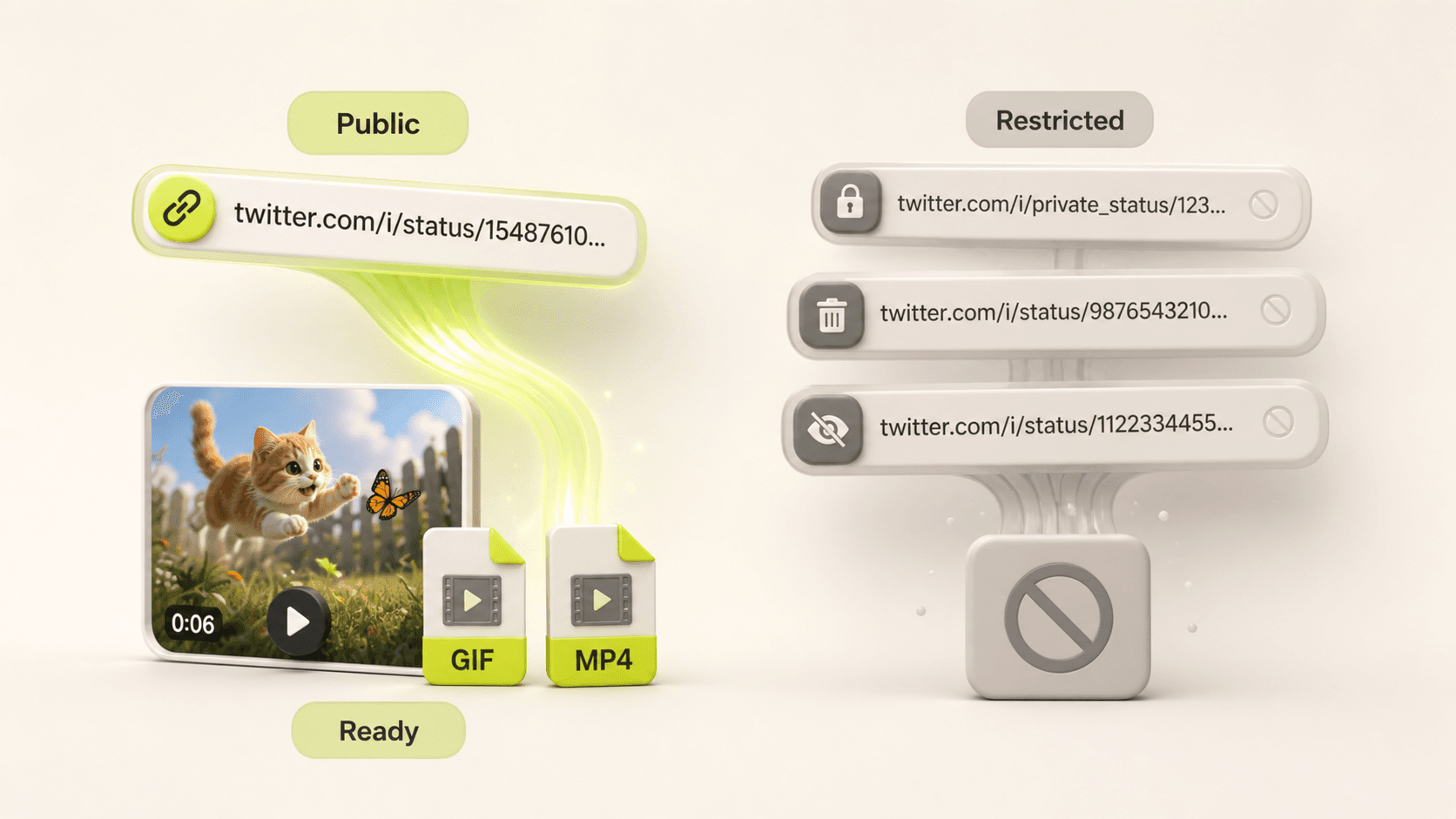
If lookup fails, confirm the URL includes /status/, the post is publicly accessible, and the media still exists.
Save the GIF for quick reuse across tools; keep the MP4 when you need smaller files, steadier quality, or later editing.
Downloading a file does not grant content rights. For ads, commercial publishing, or public libraries, check creator permission and destination-platform rules.
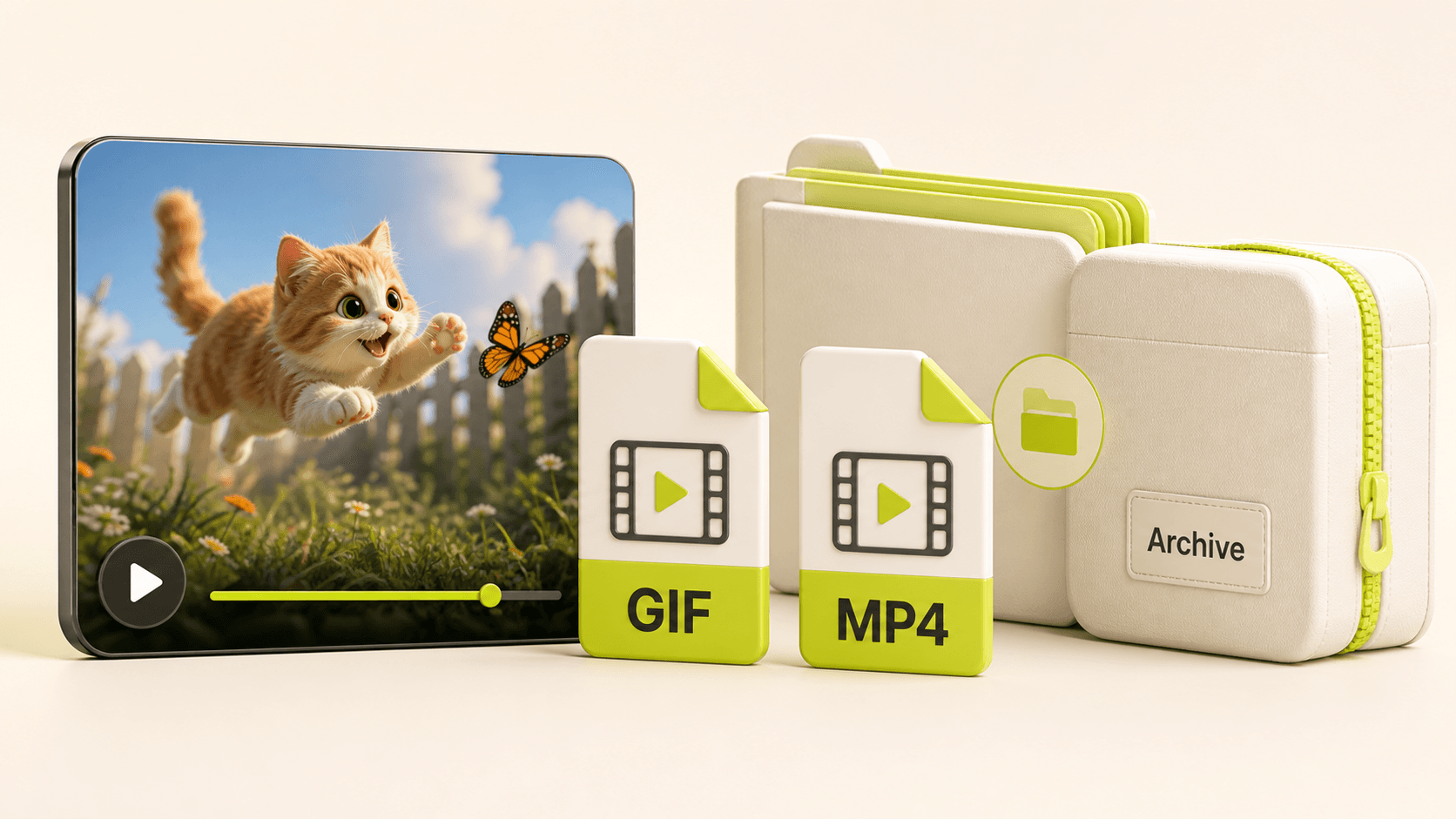
Save animated media from public Tweets for swipe files, decks, or social media review.
Convert X embedded GIF animations into portable GIF files for other tools.
Keep the MP4 source when you need a smaller and sharper video asset.
Archive public user feedback, competitor launches, or marketing examples in a local research library.
Twitter/X usually serves GIFs as MP4 animation files. A downloader needs to fetch the video source first, then convert it into a real .gif file.
No. Use publicly accessible X/Twitter post links only. Private, deleted, restricted, or login-only content usually cannot be resolved and should not be bypassed.
Private, deleted, restricted, media-free, rate-limited, or structurally changed X posts can fail. Confirm the post is a public animated media post, then try a different link.
The tool only converts public media you provide; it does not grant content rights. Before publishing, advertising, or commercial reuse, confirm that you have permission and follow X/Twitter and destination-platform rules.
After saving social media assets, turn product screenshots, motion, and value props into launch-ready creatives.