Tool task

App Store Screenshot Generator

Create screenshot concepts, feature graphics, and benefit-led listing visuals for app launches and ASO planning.

Listing creative set

ASO
1

Enter a product URL, or upload the UI screenshot that best represents the core experience.

2

Choose Apple App Store or Google Play, then select portrait screenshots, a feature graphic, or mixed sizes.

3

Pick a style preset; add product name, headline, subheadline, and brand colors when consistency matters.

App Store / Google Play

Tool workspace

Enter inputs, review the output, then use the page guidance for the next step.

Start here

Store listing image generator

Local sample generation only; no URL crawling, screenshot upload, or real AI call.

2026-06-28.1

Input source

Store platform

Output layout

Visual style

Listing image preview

After generation, select an image and download PNG or SVG.

Apple App Store

Generate a store creative set

Enter a product URL or upload a UI screenshot, choose platform and style, then preview store-ready image sizes here.

How to use

  1. 1Enter a product URL, or upload the UI screenshot that best represents the core experience.
  2. 2Choose Apple App Store or Google Play, then select portrait screenshots, a feature graphic, or mixed sizes.
  3. 3Pick a style preset; add product name, headline, subheadline, and brand colors when consistency matters.
  4. 4Generate the set, select one listing image, download PNG for upload or SVG for continued editing.

This version generates local previews only. It does not crawl URLs, upload screenshots, or call a real AI model. Before publishing, review the latest App Store Connect / Google Play Console size rules, review policies, and brand requirements.
How to use

This version generates local previews only. It does not crawl URLs, upload screenshots, or call a real AI model. Before publishing, review the latest App Store Connect / Google Play Console size rules, review policies, and brand requirements.

1Enter a product URL, or upload the UI screenshot that best represents the core experience.
2Choose Apple App Store or Google Play, then select portrait screenshots, a feature graphic, or mixed sizes.
3Pick a style preset; add product name, headline, subheadline, and brand colors when consistency matters.
4Generate the set, select one listing image, download PNG for upload or SVG for continued editing.

How to judge the output

  • Start with the first benefit: the headline next to the screenshot should explain the user value within three seconds.
  • Respect platform shapes: App Store portraits, Google Play phone images, and feature graphics should not reuse the same composition blindly.
  • Keep enough whitespace instead of packing every feature, claim, badge, and small label into one image.
  • Before uploading to a real store, check for private data, test values, unauthorized brands, and prohibited platform claims.
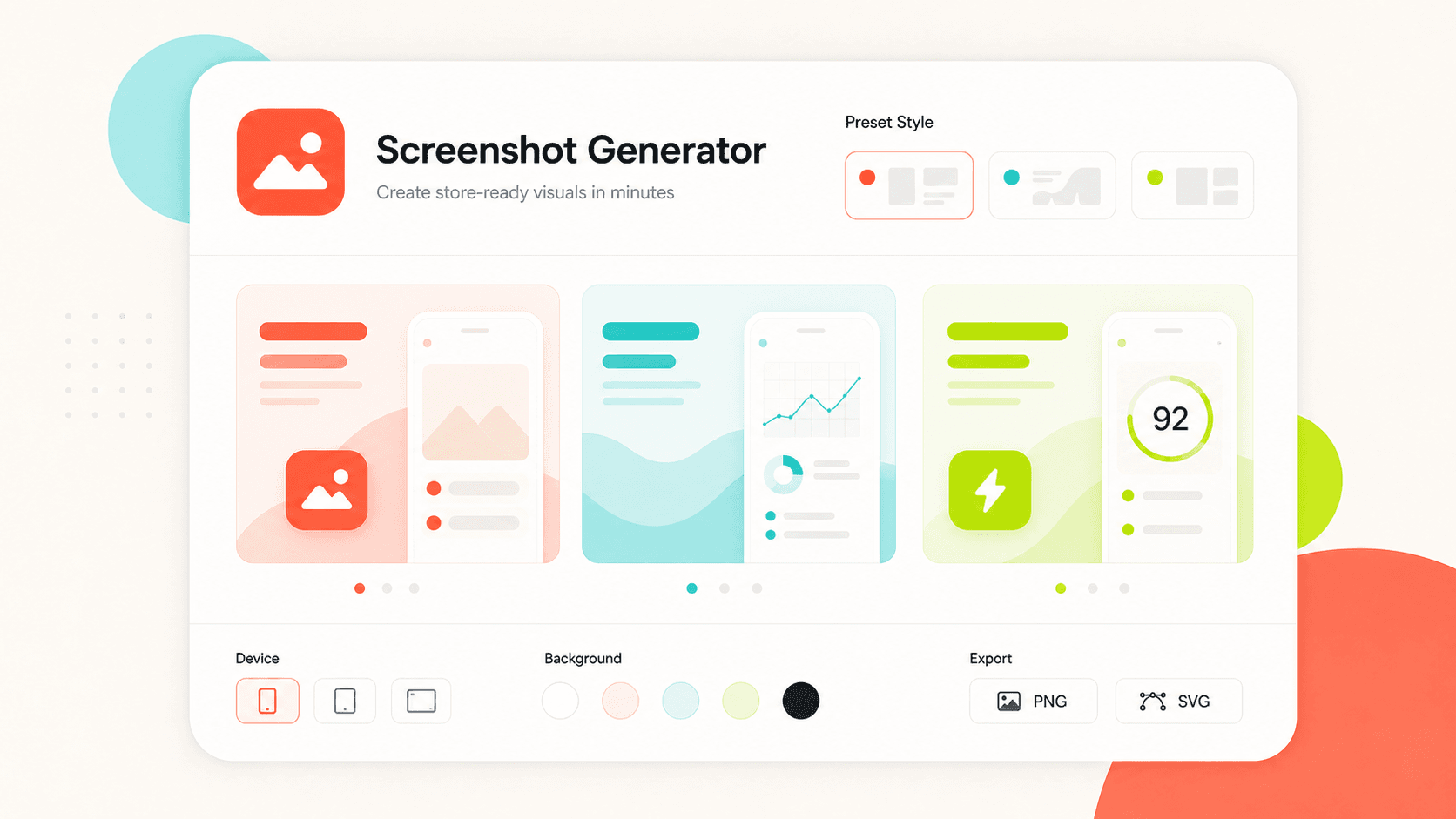
App store screenshot generator preview showing listing image cards, style presets, and export actions.

Use cases

  • Indie builders preparing the first App Store or Google Play listing creative set.
  • Growth teams exploring multiple ASO screenshot directions quickly.
  • Product teams turning new UI screenshots into listing benefit visuals for updates or campaigns.
  • Early design discovery before handing a tighter direction to a designer.

Use cases

1Indie builders preparing the first App Store or Google Play listing creative set.
2Growth teams exploring multiple ASO screenshot directions quickly.
3Product teams turning new UI screenshots into listing benefit visuals for updates or campaigns.
4Early design discovery before handing a tighter direction to a designer.

FAQ

Does this tool crawl the product URL automatically?

Not in this version. The URL is used only as a local brief input so the mock generator can infer product naming and creative direction.

Can I upload the generated images directly to App Store or Google Play?

You can download PNG drafts for store upload, but before publishing you should verify the latest platform dimensions, content policy, privacy, and trademark requirements.

Are uploaded UI screenshots stored?

No. Screenshots are read locally in the browser and embedded into preview assets. This tool does not upload or store files.

FAQ

1Does this tool crawl the product URL automatically?
2Can I upload the generated images directly to App Store or Google Play?
3Are uploaded UI screenshots stored?

If the product visual identity is not stable yet, create logo directions first, then return to keep listing images consistent.