Downloadable product promo poster
Product name, benefits, CTA, channel, and visual style are turned into a poster preview you can download.
Tool task
Upload context. Get a product poster.
Add the product name, scenario, platform, logo, screenshots, and benefits to generate a previewable, downloadable product promo poster.
Submits a cloud Agent task. Skills-OL calls the image service and writes back a downloadable PNG. Local logo / screenshot uploads are not sent directly to the image model yet; review rights and claims before publishing.
Add the product name, benefits, use case, and format. The AI-generated product promo poster appears here after generation.
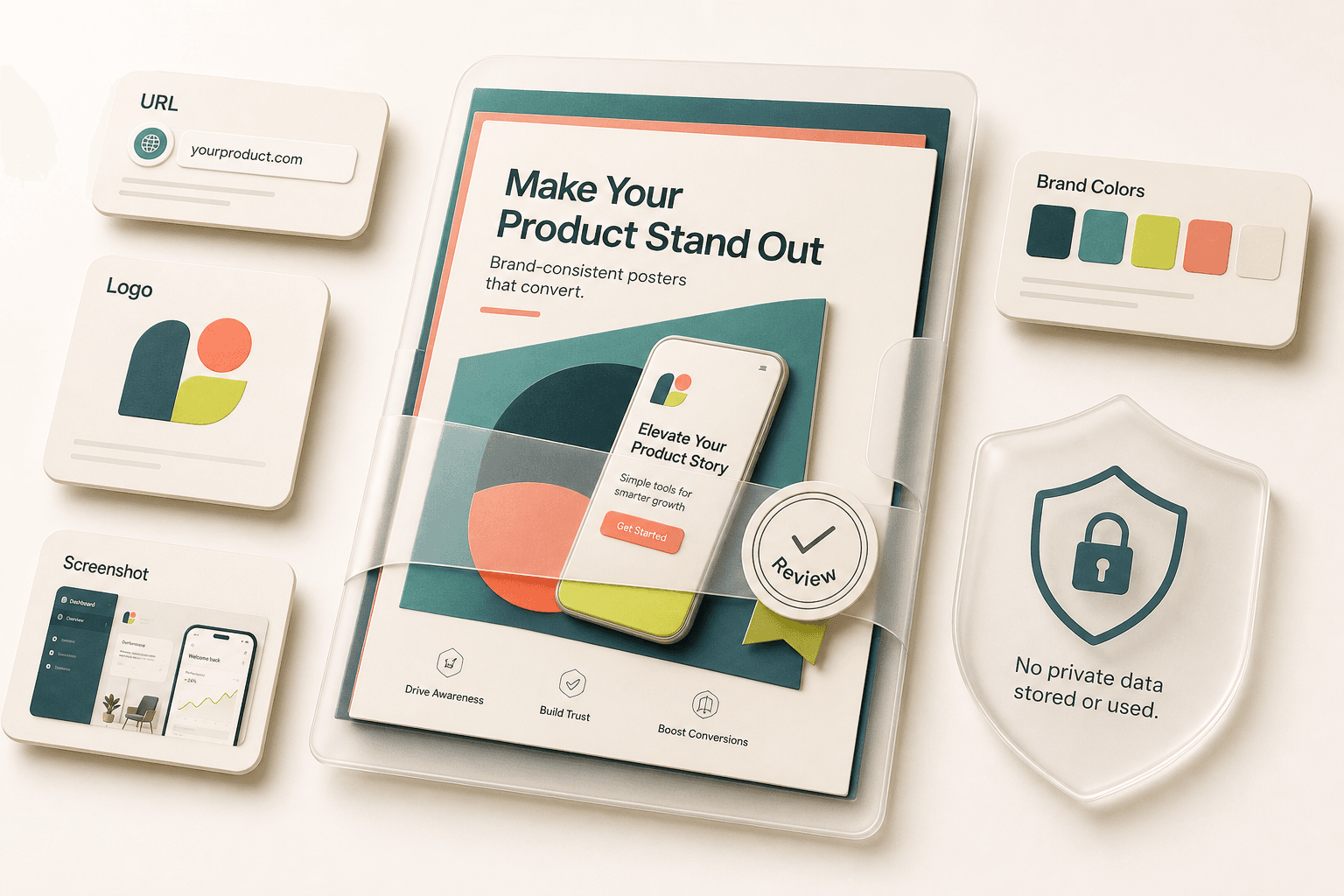
Supports public product URLs, PNG / JPG / WebP logos, product screenshots, brand colors, and concise benefits.
Calls the image model to generate a downloadable PNG poster, but does not handle PSD files, Figma sources, or screenshots with private customer data.
If the URL is invalid, screenshots are too small, or context is vague, add product details, audience, and CTA before retrying.
The poster can enter a commercial design workflow, but review screenshot privacy, trademark rights, and ad claims before publishing.
You get
When you only have screenshots and benefits, a finished promo visual is hard to hand off. This product promo generator turns context into a previewable poster so design and paid media stay aligned.
Product name, benefits, CTA, channel, and visual style are turned into a poster preview you can download.
Logo, screenshots, colors, and voice are captured together so each poster does not drift into a different style.
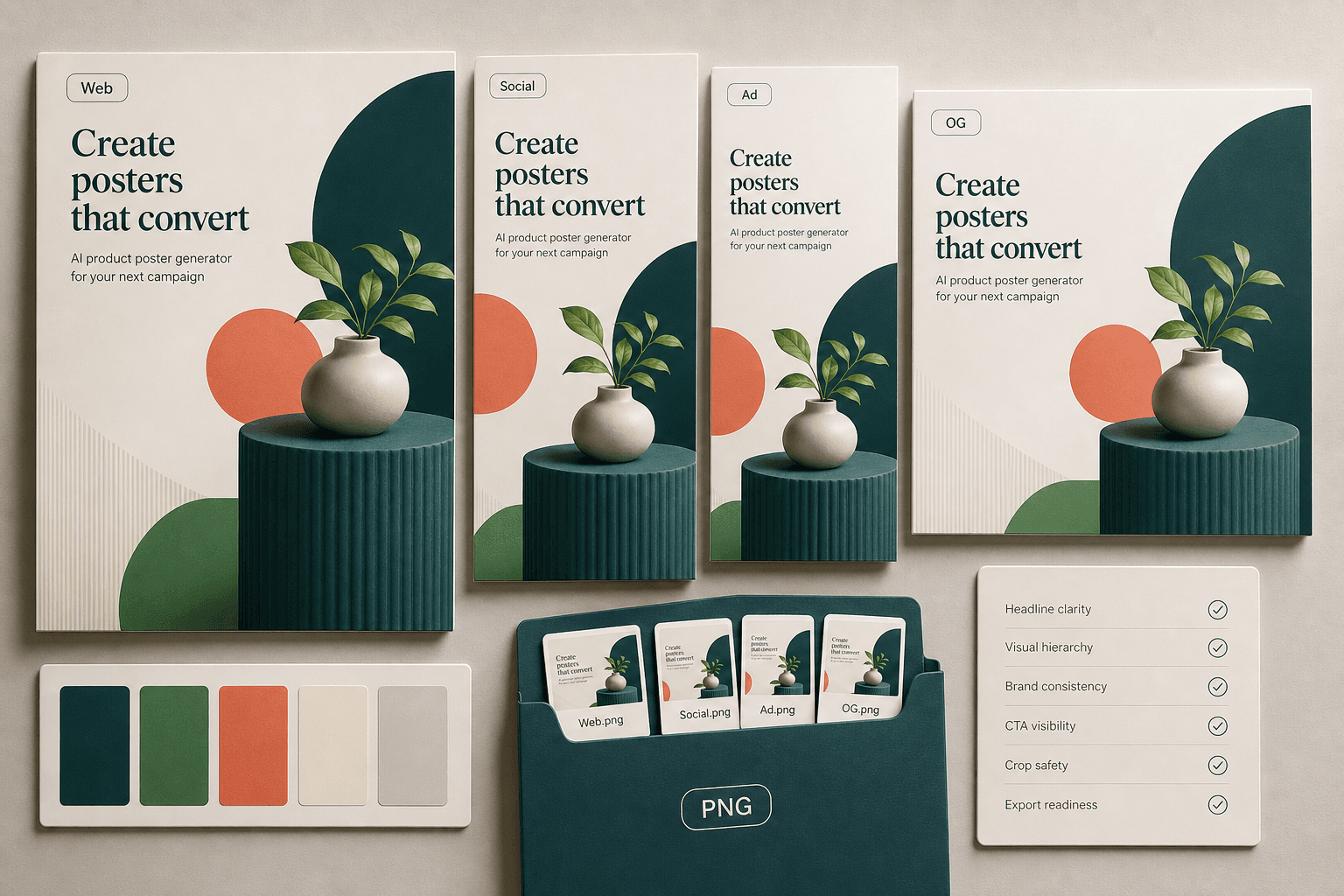
Plan for website hero images, launch posts, ad tests, Product Hunt, and OG images without reusing one crop everywhere.
Check screenshot privacy, unsupported claims, CTA readability, safe crop areas, and brand asset rights before publishing.
How it works
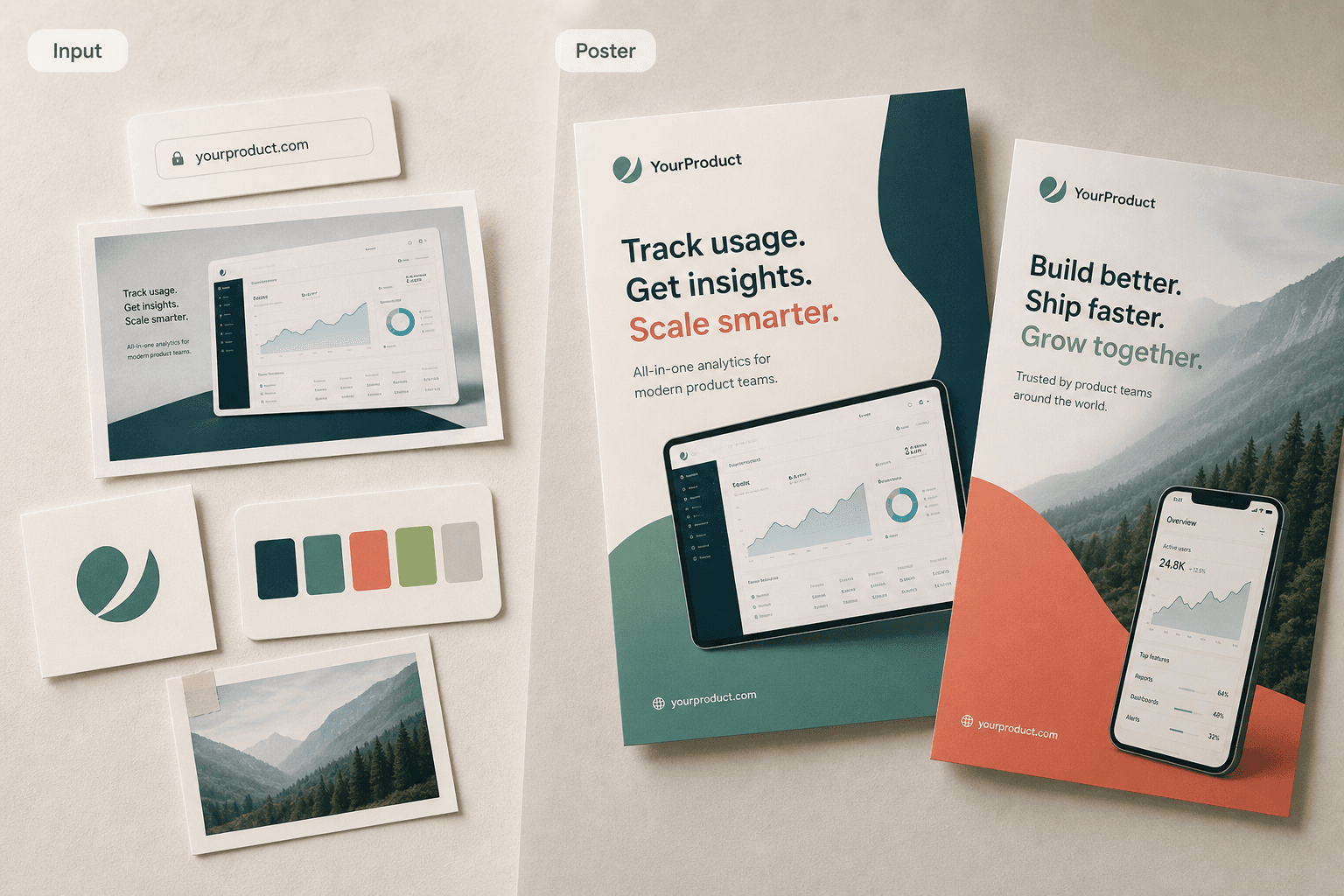
Tired of only adjusting templates by hand? Complete three steps and get a downloadable product promo poster.
When assets are scattered, posters drift. Add your product inputs so the tool can organize a clear visual context.
Website, social, and ad crops need different hierarchy. Pick the target channel so the poster fits the use case.
Skip repeated explanations. Download a PNG poster for website, social, or ad workflows.
Why this
Generic poster templates are fast, but they often do not feel like your product. Tomako organizes the interface, benefits, and channel first, then calls the image model to generate a brand-consistent poster.
A promo poster needs the product, audience, benefit, and CTA before color or layout choices matter.
For SaaS, apps, and web tools, the real UI screenshot should become the credibility anchor, not a decorative afterthought.
Website hero, LinkedIn, X, ad creatives, and OG images need different density, crop ratios, and safe areas.
Use cases
It is built for internet products with real interfaces and covers website, social, ads, launches, and content distribution.
Upload dashboard screenshots, benefits, and a demo CTA to generate a landing page hero poster.
Upload the new interface and feature notes to prepare Product Hunt, X, and LinkedIn launch posters.
Create campaign directions for different audiences while keeping one brand system intact.
Combine product screenshots, article themes, and CTAs in one poster so share images stay on brand.
Boundaries
Product promo visuals use your brand and screenshots. Know what is safe to upload and what the tool should not handle as a final deliverable.
What's next
Do not treat the generated poster as the final approved asset. Confirm hierarchy, screenshot safety, and brand consistency before design or campaign setup.
FAQ
These answers close the last doubts. Input support, failure handling, and review boundaries are already covered above.
At minimum, provide product name, product description, target audience, and CTA. Better inputs include a product URL, logo, 1-4 UI screenshots, brand colors, and target channels.
It is best for SaaS, apps, web tools, plugins, AI products, and developer tools, including website hero images, social launch posts, ad creatives, and OG images.
The generated poster can enter a commercial design workflow, but you should review screenshot privacy, trademark rights, ad claims, platform dimensions, and campaign policy before publishing.
You can start with a product URL and screenshots. If the identity is still unstable, generate logo directions first, then return to keep posters consistent.
General design tools are strong for starting from templates. This page is aimed at turning product context, screenshots, benefits, and channel needs into an internet-product-specific poster.
If you need app store creatives, start with listing screenshots. If the brand mark is not stable yet, create logo directions first.