Xcode AppIcon.appiconset
Generate common iPhone, iPad, and ios-marketing slots with Contents.json so the folder can be dropped into an Xcode asset catalog.
Tool task
Prepare app submission and engineering icon assets. Upload a 1024px+ square source icon, choose Apple, Google Play, or both, and keep processing local in your browser.
Upload one source icon, choose Apple, Google Play, or both, and generate PNG files plus a ZIP locally in your browser.
Generate common iPhone, iPad, and ios-marketing slots with Contents.json so the folder can be dropped into an Xcode asset catalog.
Export a standalone 1024 x 1024 PNG so the team can review subject placement, padding, edges, and brand consistency before release.
Create the 512 x 512 Play Console store listing icon and surface a warning if the generated PNG is over 1024KB.
Export mdpi through xxxhdpi legacy launcher PNGs for Android project resources or design handoff folders.
Download the full ZIP, or filter Apple and Google Play results and download a specific PNG size from the result grid.
Apple does not expect you to upload every app icon size one by one in App Store Connect. The official path is to prepare the app icon in an Xcode asset catalog, then upload the build to App Store Connect.
This tool generates Apple/AppIcon.appiconset plus Apple/AppStoreIcon-1024.png. Use the appiconset for implementation, and use the standalone 1024 PNG for release review and handoff.
Google Play Console store listing icons are 512 x 512, 32-bit PNG, sRGB, max 1024KB, and should follow Google Play icon design specs. This tool creates GooglePlay/app-icon-512.png and warns on file size risk.
Android launcher mipmap files are project resources, not the same thing as the Google Play listing icon. This version exports legacy launcher PNGs, not adaptive icon foreground/background XML pairs.
Do not pre-round the icon or add an outer shadow. Apple, Google Play, and Android launchers apply platform masks, corner treatment, or shadows where needed, and pre-processing can cause double clipping.
The safest source is a square full-bleed icon at 1024 x 1024 or larger. Non-square files are center-cropped; transparency is preserved, but final submissions should be reviewed on multiple backgrounds.
Manual export lists can miss Xcode slots or mix up the Google Play listing icon with Android launcher resources.
Apple, Google Play, and Android outputs are grouped into fixed folders, and the result grid can be filtered by platform.
Creating artboards, exporting, and renaming files by hand often leads to repeated release-week fixes.
One upload creates the ZIP, individual PNG downloads, and README notes for design, engineering, and ASO handoff.
Small sources may be upscaled silently, and stretched or off-center artwork may only show up later in stores or device previews.
The tool blocks undersized sources, center-crops non-square files without stretching, and previews every PNG on a transparency grid.
Many tools only say “App Store sizes” without explaining the difference between Apple, Google Play, and Android project assets.
The page and ZIP notes identify where each file is used, and call out adaptive icons, corners, copyright, and latest platform-rule checks.
Online batch resizers may upload unreleased brand assets, which is hard to review for confidential launches.
This version reads, resizes, and packages the source app icon locally in the browser instead of uploading it to a server.
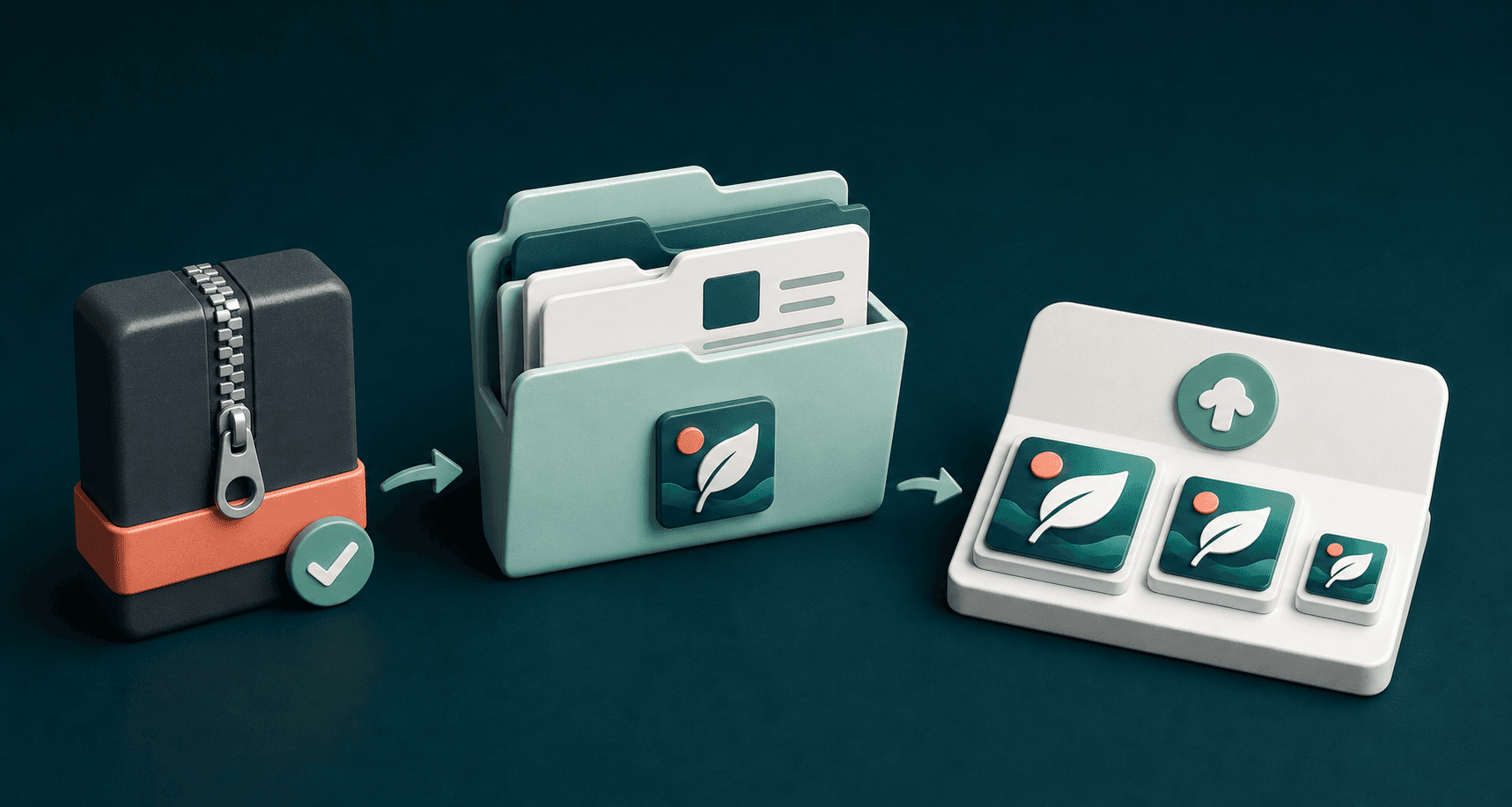
iOS projects: import or replace Apple/AppIcon.appiconset in the Xcode asset catalog, then upload the build to App Store Connect.
App Store review: use Apple/AppStoreIcon-1024.png to check subject placement, padding, background, edges, and recognition at smaller sizes.
Google Play: upload GooglePlay/app-icon-512.png to the Play Console store listing App icon field, and confirm the file stays within the platform size limit.
Android projects: hand off Android/res/mipmap-*/ic_launcher.png as legacy launcher resources. If the app needs adaptive icons, configure those separately in the Android project.
If the icon looks too small, off-center, or clipped, adjust the source canvas and padding in the design file, then regenerate the package.
Before final submission, review the latest platform rules, trademark and copyright rights, transparency, light/dark background contrast, and brand guidelines.
Indie developers preparing app icon packages before App Store Connect and Google Play Console submission.
Designers handing one final app icon to iOS, Android, ASO, or agency teammates without chasing missing sizes.
Growth teams testing new icon directions and quickly producing reviewable, upload-ready candidates.
Product teams checking that project icons, store icons, and listing screenshots use the same visual version.
Remote or outsourced teams using fixed folders and filenames to reduce implementation friction.
Early-stage products resizing confidential brand assets locally without uploading the source icon.
No. This tool reads the image, renders canvas outputs, and builds the PNG ZIP locally in the browser. Refreshing the page clears the file state, and the source icon is not uploaded to a server.
GooglePlay/app-icon-512.png targets the Play Console App icon upload requirement. For Apple, the more accurate path is to place AppIcon.appiconset in Xcode and submit it with your build to App Store Connect.
Use a 1024 x 1024 or larger square PNG when possible. JPG and WebP are supported, but final handoff is safest when you export full-bleed square artwork from the design source.
Stores and operating systems apply their own masks, corners, or shadows. Pre-rounding the artwork can cause double clipping, uneven edges, or platform rejection.
The tool center-crops it to a square without stretching. For final delivery, export square full-bleed artwork from the design source to avoid shifted subjects or clipped edges.
Transparency is preserved, and the result preview uses a transparency grid. Before final submission, review the icon on light, dark, and platform-masked backgrounds.
No. It exports Google Play 512 and legacy launcher mipmap PNGs, but it does not generate adaptive icon foreground/background XML pairs.
Apple or dual-platform packages require 1024px or larger on the shortest side. Google Play / Android packages require at least 512px. The tool also warns when the Google Play 512 PNG exceeds 1024KB.
After icon assets are ready, the next step is usually App Store and Google Play listing screenshots with the same visual language.